What Is an Interactive Guide?
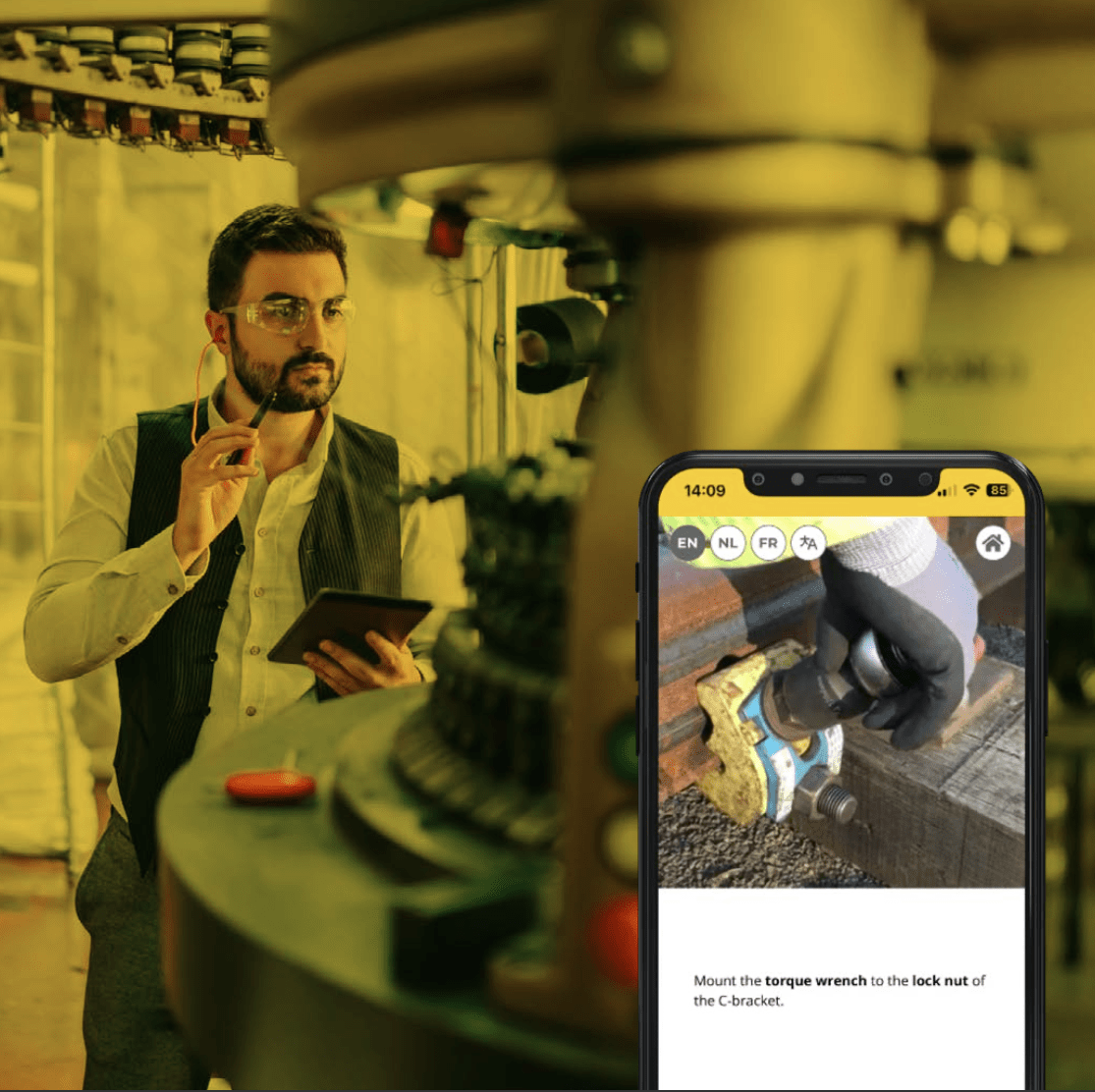
An interactive guide is a digital, step-by-step walkthrough that helps users understand how to perform specific tasks within a product or process. Unlike static documents or training PDFs, interactive guides respond to user actions, offering in-the-moment guidance with contextual support.
These guides often appear as tooltips, modals, or embedded flows within a product or website. Whether they walk users through new software features, machine operation steps, or safety protocols, interactive guides make complex processes simple by guiding the user visually and interactively.
Think of them as digital hand-holders — only smarter and scalable.
Why Interactive Guides Are a Must for Product Adoption
Effective product adoption hinges on one thing: clarity. The faster users understand how to use your product, the faster they see value — and stick around.
Here’s how interactive guides help:
-
Reduce friction: Users don’t need to leave the platform or tool to search for help.
-
Accelerate onboarding: Real-time, guided learning means users master processes faster.
-
Minimize support tickets: With clear, visual guidance, users solve problems independently.
-
Increase engagement: Interactive walkthroughs keep users active and progressing.
An effective interactive guide does more than instruct — it empowers users to succeed from day one.
Explore how Manual.to helps you create interactive guides for onboarding
What Is an Example of Interactive?
Interactivity is about engagement and response. A classic example is a website walkthrough that highlights different sections of a web app as a user logs in for the first time. Each click or input by the user prompts a next step, tooltip, or instructional video.
Other examples of interactive content include:
-
Product tours: Step-by-step onboarding flows built directly into your software
-
Interactive user guides: Manuals that include videos, clickable steps, or decision trees
-
Interactive reading guides: Educational tools that prompt reflection or highlight key parts of a text
-
Interactive guided imagery therapy: Techniques that lead users through mental exercises for relaxation or healing
Whether for software, machinery, or safety procedures, the goal is the same: enable users to follow, understand, and act with confidence.
What Is an Interactive Reading Guide?
An interactive reading guide is a scaffolded tool that helps readers engage more deeply with a text. Often used in educational contexts, it includes prompts, questions, and activities that direct attention to key themes or vocabulary while reading.
While Manual.to focuses on workplace instruction rather than education, the principle applies: when users are actively guided, comprehension improves. In manufacturing, logistics, or healthcare, this could translate into step guides that walk through tasks while highlighting critical safety checks or compliance steps.
| Feature |
Static Documentation |
Interactive Guide |
| Format |
PDF/manual/webpage |
Embedded flow/tooltips/videos |
| Accessibility |
External |
In-platform, real-time |
| Updates |
Requires version control |
Instant updates |
| Engagement |
Passive reading |
Active participation |
| Personalization |
One-size-fits-all |
Contextual, role-based |
Interactive walkthroughs excel because they adapt to the user’s journey. Instead of presenting a wall of information, they guide users step-by-step — shortening the learning curve and reducing the risk of error.
Interactive Guides in Action: Real Business Use Cases
Here are common use cases where interactive guides transform how work gets done:
1. Employee Onboarding
Onboarding new employees can be time-consuming and inconsistent. With interactive guides, each employee can follow the same visual, step-by-step instructions — whether they’re in the warehouse, factory floor, or office.
Manual.to helps teams build onboarding guides that are:
This ensures consistency, saves time, and scales onboarding even during rapid growth.
2. Equipment and Machinery Use
Operators working with complex machines need accurate, easy-to-follow instructions — fast. Paper instructions are hard to follow and even harder to update.
An interactive guide simplifies this by:
-
Showing visual instructions on mobile or tablet
-
Guiding operators through inspection or setup
-
Allowing feedback or reporting when something is unclear
This reduces downtime, increases safety, and boosts productivity.
3. Product Support and Customer Training
Customers don’t want to read manuals — they want solutions. Embedding interactive user guides directly in your product reduces support volume while improving the experience.
Manual.to’s guides help:
-
Simplify new feature rollouts
-
Educate customers at scale
-
Reduce pressure on support teams
You empower users to self-serve without sacrificing clarity or control.
Creating an Effective Interactive Guide: Best Practices
Building a great interactive guide isn’t just about the tool — it’s about the structure and clarity of your content. Here’s how to do it right:
1. Start With the End Goal
Ask: What does the user need to achieve? Every guide should be outcome-driven — whether it’s completing a setup, performing a task, or understanding a process.
2. Break It Down Into Clear Steps
Use short, action-based instructions. Avoid long paragraphs. Think in terms of “click here,” “check this,” “submit that.”
3. Make It Visual
Use screenshots, videos, or icons to illustrate steps. Visual content supports comprehension, especially for non-native speakers or hands-on roles.
4. Offer Multilingual Options
If your workforce is diverse, your guides should be too. Manual.to allows you to offer guides in multiple languages — without duplicating work.
5. Embed Guides Where They’re Needed
The best guide is the one users don’t have to search for. Whether it’s a QR code on a machine or a tooltip in your web app, bring guidance to the user — not the other way around.
What Is an Interactive Walkthrough?
An interactive walkthrough is a guided experience built into a product that teaches users how to perform tasks in real time. It’s often used in software onboarding, but also applies to physical tasks like assembling equipment or following safety protocols.
For example:
-
A new hire logs into your internal system and is walked through each function they need to use.
-
A field technician scans a QR code on equipment and sees a step-by-step guide to perform maintenance.
-
A customer clicks on a “Get Started” button and sees a pop-up that guides them through setup.
Each of these is a Website walkthrough example or product tour designed to reduce confusion and build confidence.
Interactive Guide to Flexbox: A Popular Example
One of the most searched examples of an interactive guide is the interactive guide to Flexbox, which visually teaches developers how the CSS Flexbox layout system works.
Why is it so effective?
-
It shows instant feedback
-
Users can experiment in real time
-
Concepts are broken down into digestible steps
This model — visual, immediate, and interactive — is exactly what works for any product or process training, whether in tech or manufacturing.