Clear and consistent instructions are the key to operational excellence. They promote safety, standardization, and quality. But traditionally, documenting them has been a slow and frustrating process. Manual.to changes all of that.
Manual.to is an easy-to-use interactive user guide software that lets you build, share, and manage guides in just minutes, with zero training needed.
From onboarding employees to aligning equipment procedures across teams, Manual.to enables you to do it quicker, smarter, and at scale.
What Is Interactive User Guide Software?
Interactive user guide software helps organizations create and deliver step-by-step instructions to ensure consistent execution across teams and departments. It plays a critical role in sectors such as:
Top-tier interactive user guide software goes beyond simple documentation—it simplifies creation, boosts accessibility, and supports continuous improvement. That’s exactly what makes Manual.to different.
How Manual.to Works as Interactive User Guide Software
1. Create Visual Guides in Minutes
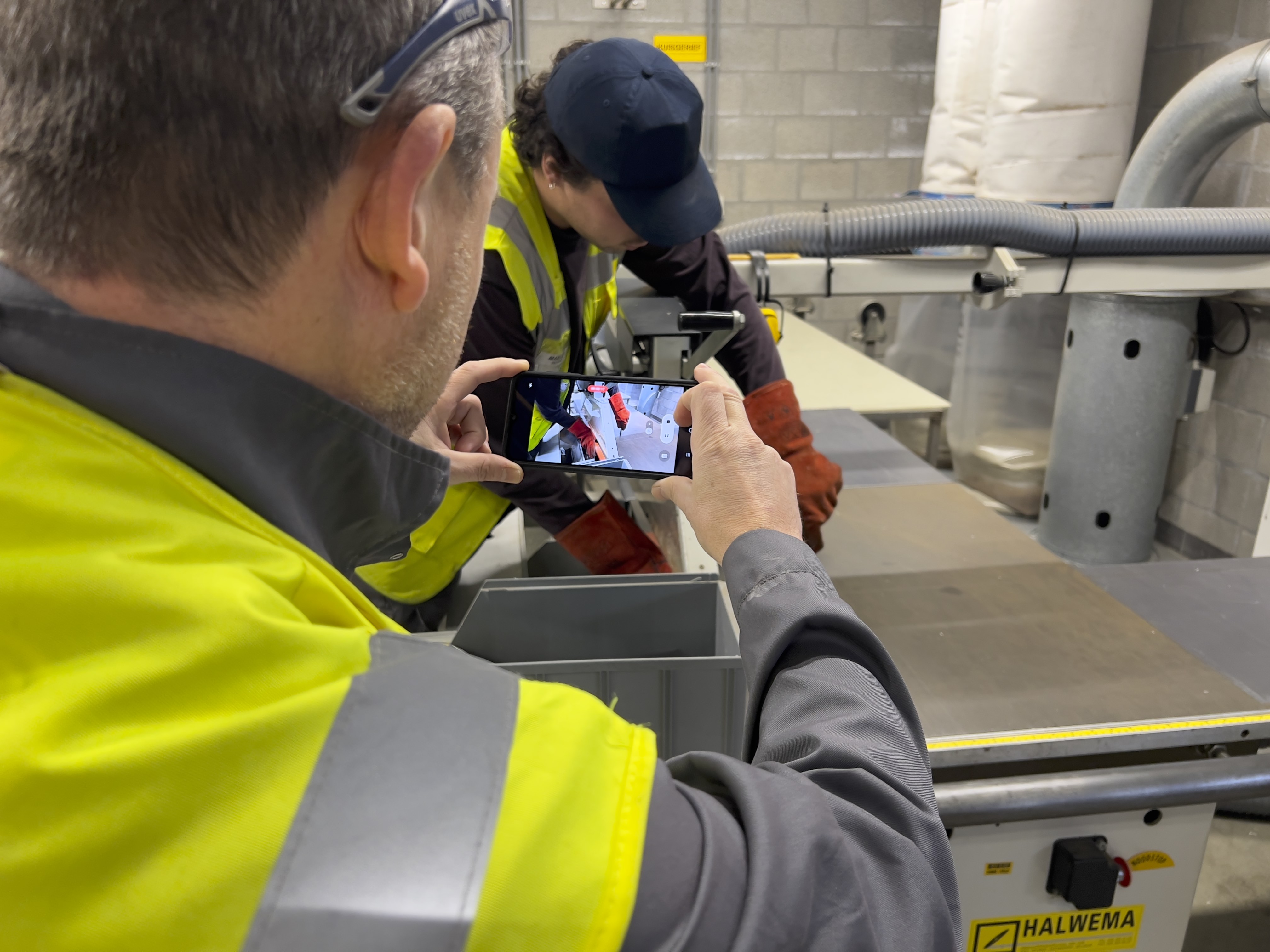
Use your smartphone, tablet, or computer to build clear, visual step-by-step instructions. Easily combine video, images, and text to create user-friendly guides in just a few minutes.
-
No editing software needed
-
Pre-built templates included
-
Translate in 100+ languages
-
Accessible for all experience levels
Example: A team leader records a machine start-up procedure on their phone in less than 15 minutes—no IT support or editing tools involved.
2. Deliver Guides Right Where They’re Needed
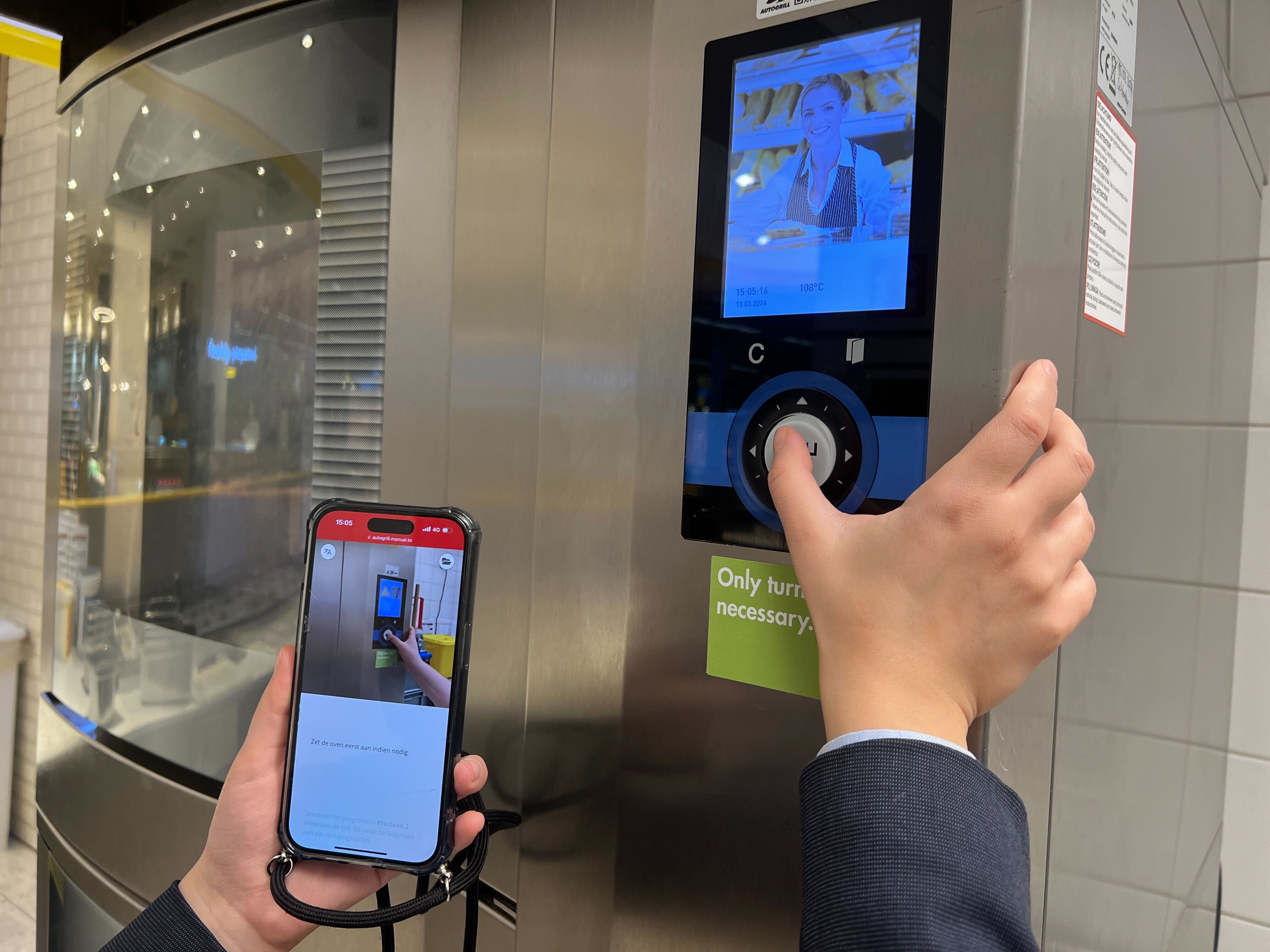
Bring interactive guides directly to the work floor using QR codes or smart links—no accounts, no waiting.
-
Instantly generate QR codes to place on tools, machines, or workstations
-
Share easily via WhatsApp, email, Microsoft Teams, or your intranet
-
No app or setup needed—always ready to use
Example: A flex worker scans a QR code at their station and instantly sees step-by-step guidance — in their preferred language — to carry out the task correctly.
3. Learn and Improve
Track who views the SOPs, how often, and where users stop. Gather insights to improve content and compliance.
-
Usage reports and engagement stats
-
Feedback collection from workers
-
Version control and update notifications
-
Audit-proof logs for compliance
Example: Safety managers monitor training effectiveness and adjust SOPs based on feedback and analytics.
Why Companies Rely on Manual.to as Their Interactive User Guide Software
Manual.to tackles everyday operational challenges with simple, effective solutions:
🚧 Risk of Human Error
Mistakes occur when instructions aren’t clear. Manual.to provides easy-to-follow, visual guides that remove uncertainty on the spot.
👥 High Turnover & Slow Onboarding
New employees can hit the ground running—no need for lengthy training or shadowing periods.
📚 Obsolete or Ignored Manuals
Keep guides up to date with real-time edits. No more searching through outdated PDFs or dusty folders.
🧠 Loss of Expertise
Preserve the insights of your veteran team members before they move on. Manual.to makes their knowledge accessible for everyone, anytime.
Built for Frontline Teams
Manual.to empowers:
-
Operators who need step-by-step help with tools, packaging, or machines
-
Technicians who handle equipment installation, maintenance, or repairs
-
Warehouse teams who rely on accurate picking and packing instructions
-
External contractors who require task-specific interactive guides
-
Trainers and team leads responsible for creating and sharing content
Manual.to is built for non-technical users, enabling anyone — from HR to shop floor — to quickly build interactive user guides with ease.
Ready to Modernize Your User Guide software?
Start today and publish your first guide in just a few minutes.
Do you still have questions? Head over to FAQ to have more frequently asked questions explained.