Interactive walkthrough for instant user guidance
Articles

Interactive walkthrough for instant user guidance

Published: June 19, 2025

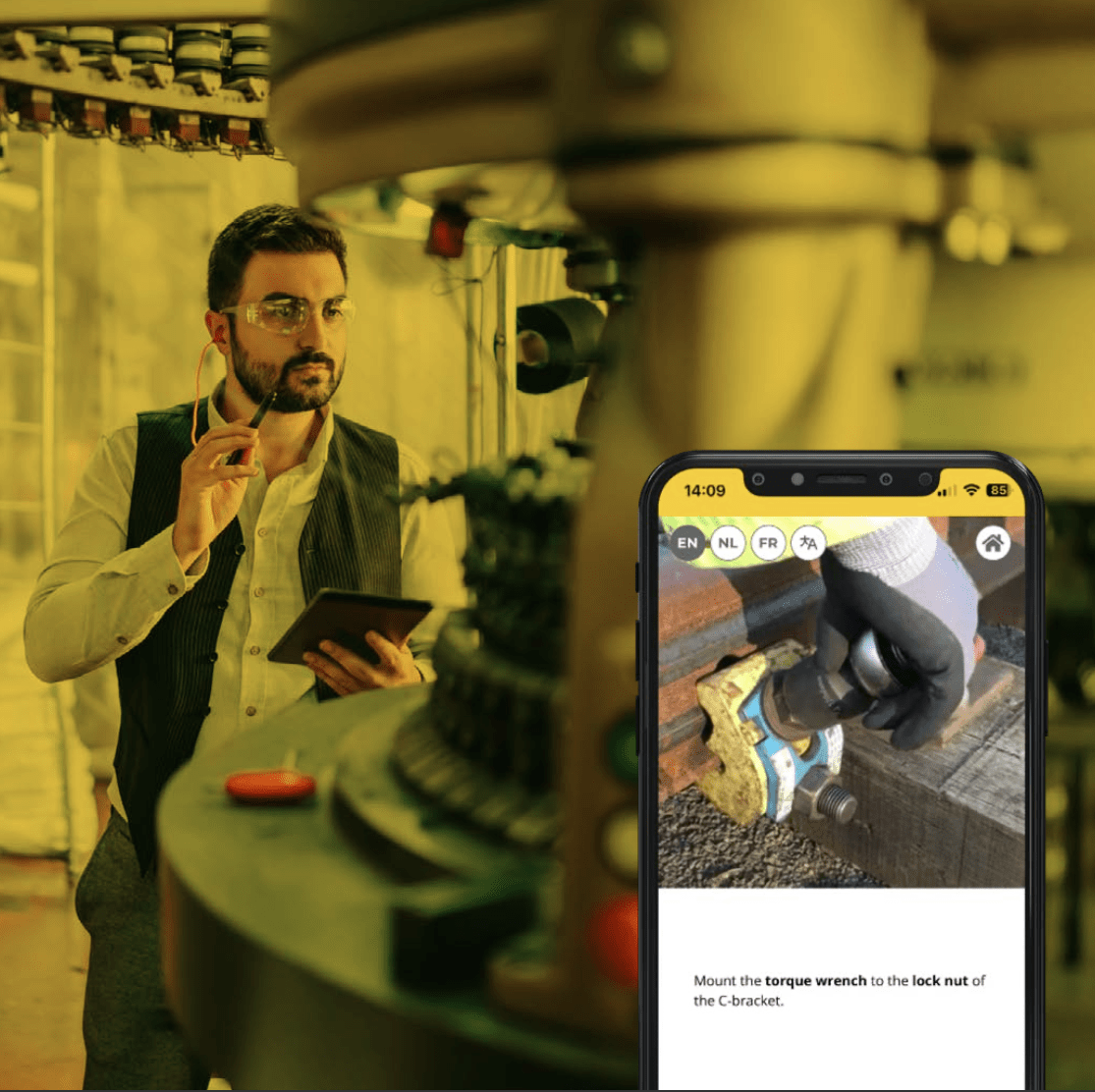
Interactive walkthroughs are transforming how businesses onboard and support their users—right in the flow of work. Instead of static PDFs or outdated videos, teams now deliver real-time, visual guidance directly where it’s needed. From factory floors to HR portals, mobile-first walkthroughs reduce errors, speed up training, and empower users to work independently from day one.

This article explores how interactive walkthroughs turn complexity into clarity—capturing knowledge, scaling support, and enabling confident performance across industries. See how platforms like Manual.to help teams create impactful walkthroughs that keep up with today’s fast-changing workflows.
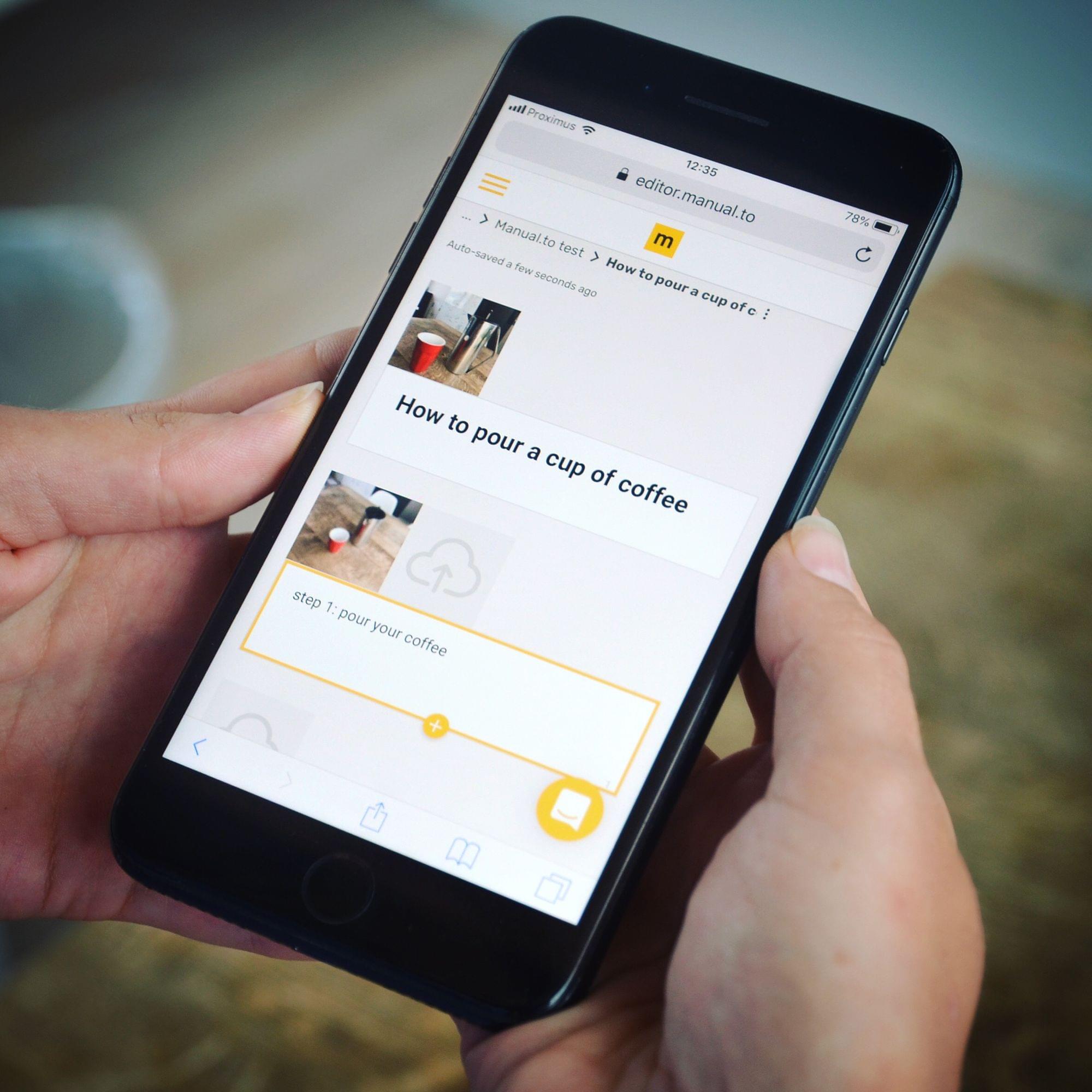
An interactive walkthrough delivers on-demand guidance exactly where and when users need it—right inside your product or process. It transforms static instructions into dynamic, visual experiences that accelerate onboarding, improve training, and reduce support requests.

Modern organizations face a clear challenge: how to scale knowledge transfer efficiently, across teams and locations, without overwhelming support teams or relying on outdated documentation. Interactive walkthroughs are emerging as a critical solution, especially when designed for mobile-first environments.

Let’s explore how interactive walkthroughs work, where they drive the most value, and how platforms like Manual.to help businesses create them with ease.

The power of an interactive walkthrough

Traditional manuals, static PDFs, and even video tutorials can’t fully meet the demands of today’s fast-paced workflows:

An interactive walkthrough addresses all of these needs by embedding guidance directly into the user experience. Instead of passively reading or watching, users interact with step-based, visual instructions as they perform the task.

The result: faster learning, fewer errors, and more empowered users.

Why mobile-first interactive walkthroughs matter

Many tools claim to offer interactive guidance—but few are optimized for the realities of frontline, deskless, or field-based teams.

A true mobile-first interactive walkthrough ensures that:

  • Users can access guidance on smartphones and tablets, even offline

  • Walkthroughs are triggered via QR codes or simple links placed in the physical workspace

  • Content is fully visual—using videos, annotated images, and step-based navigation

  • Updates are instant and version-controlled, so everyone sees the latest version

In industries like manufacturing, logistics, healthcare, and retail, this mobile-first approach is critical. Workers can’t be expected to search for a PDF or attend a classroom session. They need guidance at their fingertips—embedded in the workflow.

Manual.to is purpose-built for this use case, enabling organizations to create interactive walkthroughs that are truly mobile-first and instantly scalable.

Core features of an effective interactive walkthrough

Not all solutions deliver the same impact. The most effective interactive walkthroughs share key characteristics:

1. Visual-first, step-based guidance

Text-heavy instructions often overwhelm users. An effective walkthrough prioritizes:

This visual-first approach increases engagement and retention—especially for employees who are learning new equipment or procedures.

2. Contextual triggering

The power of an interactive walkthrough lies in its immediacy. Users should be able to launch it:

This ensures the guidance is surfaced exactly when the user needs it—not buried in a knowledge base.

3. Real-time updates and versioning

Outdated guidance creates risk. The walkthrough platform must support:

With Manual.to, teams can publish updated walkthroughs instantly across all access points—ensuring consistency across shifts, sites, and languages.

4. Multi-language and accessibility support

Global operations require guidance that works for everyone. An effective interactive walkthrough should:

By lowering these barriers, organizations can democratize access to critical knowledge.

How interactive walkthroughs improve onboarding and training

One of the most impactful applications of an interactive walkthrough is in employee onboarding. Instead of shadowing or classroom training, new hires can:

This dramatically reduces time-to-productivity and ensures that training scales consistently across new cohorts.

Explore how companies use interactive content to streamline onboarding here: https://manual.to/use-case/onboarding/

Reducing support load with interactive walkthroughs

Another common use case is reducing repetitive support tickets. By embedding interactive walkthroughs within products or internal portals, organizations can:

For example, an HR team can embed walkthroughs in their employee portal for common onboarding tasks. A manufacturing team can place QR codes on machines to provide instant access to maintenance guides.

Scaling operational excellence

Interactive walkthroughs also help organizations preserve and scale institutional knowledge:

With usage analytics, teams can see which walkthroughs are used most, where users drop off, and where additional support is needed—driving a culture of continuous improvement.

Industry applications of interactive walkthroughs

Interactive walkthroughs deliver value across a wide range of industries:

Manufacturing

Logistics and warehousing

Healthcare

Retail and franchises

Field services

In each case, an interactive walkthrough empowers workers to perform complex tasks accurately, without relying on paper-based or static guidance.

Best practices for deploying interactive walkthroughs

To maximize impact, follow these steps:

  1. Identify high-impact tasks where guidance gaps create risk or inefficiency

  2. Capture content visually, using real-life video and annotated photos

  3. Structure content clearly, with step titles and concise visual guidance

  4. Deploy walkthroughs where work happens, via QR codes or contextual links

  5. Monitor usage and iterate, leveraging analytics to improve content over time

How Manual.to powers mobile-first interactive walkthroughs

Manual.to was designed from the ground up to make interactive walkthroughs mobile-first, visual-first, and instantly scalable. Key capabilities include:

  • Drag-and-drop content creation—no tech expertise required

  • Seamless integration of video, images, and step-based navigation

  • Mobile-first design with QR-code access and offline capability

  • AI-powered language support for global teams

  • Usage analytics and version control to drive continuous improvement

This enables organizations to deliver guidance where it matters most—on the floor, in the field, and at the moment of need.