Articles
From Binder to Browser: The Ultimate Guide to Digitising Work Instructions
Published: February 2, 2026
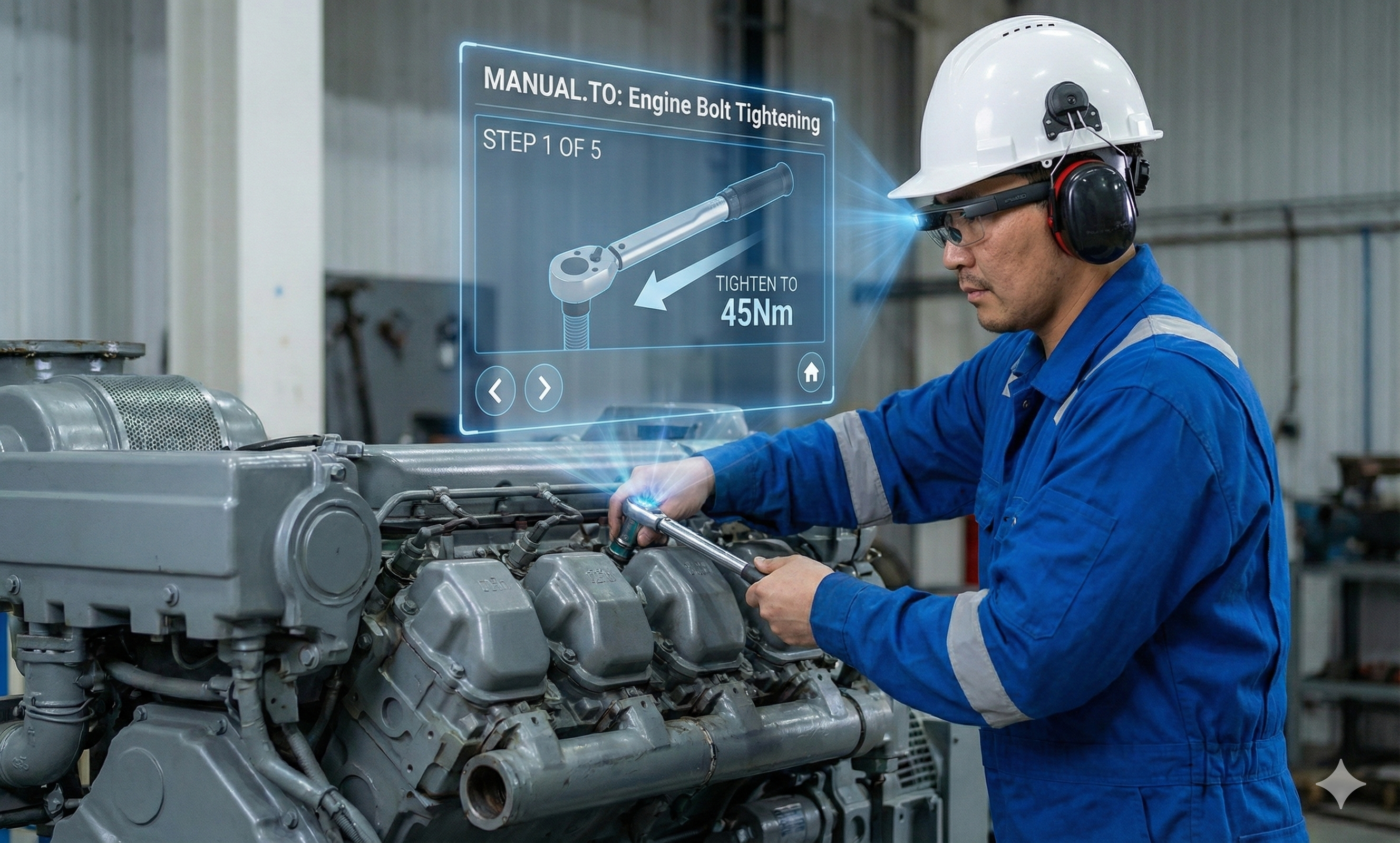
Many companies believe they have “gone digital” because they scanned their paper manuals and saved them as PDFs on a SharePoint server. This is a dangerous misconception.
A PDF on a server is just “digital paper.” It is still static, hard to read on a mobile screen, and difficult to search. Worst of all, it retains the fundamental flaw of paper: once printed or downloaded, it is instantly out of date.
To make instructions truly accessible anywhere, you need to transform them from flat documents into dynamic, web-based assets that live on the shop floor.
The biggest mistake companies make is copying the structure of a paper manual (Introduction, Table of Contents, Chapters, Index) into a digital tool. On a smartphone, nobody scrolls through 30 pages of text to find “Step 4.”
The Expert Approach:
You must break your long procedures down into “Atoms” or micro-topics.
Why this matters: By atomising content, you make it searchable. An operator doesn’t want to “read the manual”; they want to “fix the jam.”
One of the hidden costs of paper (and PDFs) is version control. If you update a procedure in the office, how do you know that the operator in the warehouse isn’t using a printout from 2023? You don’t. This is a major compliance risk during audits (ISO, BRC, FDA).
The Cloud Advantage
When you move to a true digital platform like Manual.to, you establish a “Single Source of Truth.”
Moving from paper to digital sounds like a massive data entry project. It shouldn’t be.
Don’t type out the old text. Replace it.
Use the camera in your pocket. A 10-second video of an experienced operator performing the task is worth 3 pages of written text.
Pro Tip: Authenticity over Quality
Do not aim for Hollywood quality. Authentic, raw video from the shop floor builds more trust with operators than polished studio productions. If an engineer sees a video shot by a colleague on the actual machine, they trust it immediately.
Capture the expert doing the task. Keep clips under 15 seconds.
Add minimal text for safety warnings (e.g., “Wear Gloves”). Let the video explain the motion.
Generate a permanent link or QR code instantly.
Paper is a monologue: you talk to the worker. Digital is a dialogue: the worker talks back.
The people who know the procedure best are the ones doing it every day. A robust digital platform allows operators to provide feedback directly on the step where they find an issue.
“This valve is actually blue, not red.”
“This step is missing a safety check.”
By enabling this continuous improvement loop, your “digital paper” becomes a living knowledge base that gets better every day, driven by the workforce itself.
How do you ensure instructions are truly accessible? By removing the friction of app stores and installations. The best digital instruction platforms are browser-based.
This means you are completely hardware agnostic. If a device has a web browser, it is now a training tool. This flexibility allows you to deploy instructions across your entire hardware fleet instantly:
By placing QR codes on machines that link directly to the browser, the physical world becomes the menu for your digital instructions, regardless of the device in the operator’s hand.
Turning paper into digital instructions is not just an administrative task; it is an operational upgrade. By moving from static text to mobile-first video, you ensure that knowledge travels as fast as your employees do, while eliminating compliance risks.
Don’t spend months migrating data. With Manual.to, you can film, edit, and publish a guide in the time it takes to read this article.
Record a 60-second video on your phone. Your team scans a QR code and learns the procedure instantly. Update in minutes, not weeks.
See it in action
Schedule a demo with our Manual.to specialists