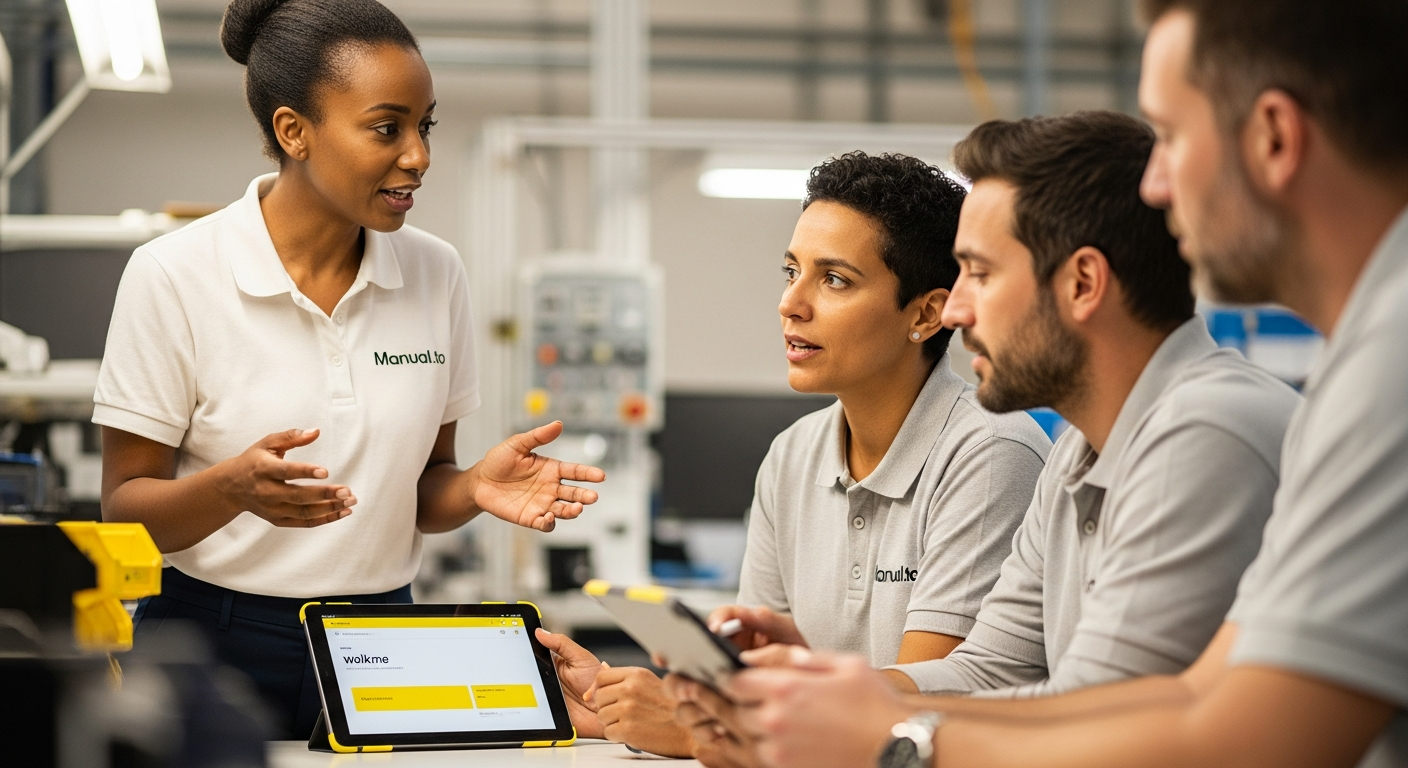
At P&G's consumer goods facility in Belgium, the night shift supervisor needed to guide temporary workers through a critical cleaning procedure. WalkMe's overlay system worked perfectly.on the desktop computer locked in the office upstairs. The workers, standing next to the production line with smartphones, couldn't access it.
9 min read
This scenario captures a fundamental truth about digital adoption platforms like WalkMe: they excel brilliantly within their designed scope while creating dangerous blind spots elsewhere. As manufacturing operations become increasingly hybrid.mixing digital interfaces with physical workflows.understanding these boundaries becomes critical for operational leaders.
WalkMe is a digital adoption platform that overlays enterprise software applications to provide contextual guidance, workflow automation, and real-time insights. Recognized by Everest Group as the leading DAP product and trusted by Fortune 500 companies, WalkMe has proven its value in software-heavy environments. The question for manufacturing leaders: where does this value translate to the shop floor, and where does it fall short?
What is WalkMe and why enterprises choose digital adoption platforms?

WalkMe pioneered the Digital Adoption Platform category by solving a persistent enterprise problem: employees struggling with complex software interfaces. The platform works as an invisible overlay layer, providing contextual guidance, automated workflows, and step-by-step instructions directly within existing applications.
The core value proposition resonates strongly with IT leaders managing software rollouts. When a company deploys new CRM software, ERP systems, or HR platforms, WalkMe eliminates the traditional training bottleneck. Instead of classroom sessions or lengthy documentation, employees receive contextual guidance precisely when and where they need it.
For office-based workflows, this approach delivers measurable results. UC San Diego selected WalkMe as their institutional digital adoption platform, citing its ability to reduce training costs while improving user experience across multiple enterprise applications.
The platform's AI capabilities extend beyond basic guidance to include workflow automation, cross-application orchestration, and detailed analytics on user behavior patterns. This comprehensive approach explains why WalkMe has maintained market leadership in the DAP space and achieved enterprise adoption at scale.
The digital adoption maturity model: Where WalkMe fits
Understanding WalkMe's position requires examining the broader landscape of organizational knowledge systems. Most enterprises operate across four distinct maturity levels:
Static Documentation
PDF manuals, SharePoint folders, and printed procedures. Information exists but remains disconnected from actual work moments.
Software-Centric Guidance (WalkMe's Domain)
Interactive overlays, contextual help systems, and automated workflows within digital applications. Excellent for office-based software adoption.
Physical Workflow Capture
Video-based instruction systems that document hands-on procedures, equipment operation, and manufacturing processes. Accessible at point of need.
Integrated Knowledge Ecosystems
Seamless connection between digital and physical workflow guidance, with AI-powered content creation and real-time accessibility across all work environments.
WalkMe represents a mature Level 2 solution.highly sophisticated within its domain but architecturally limited to screen-based interactions. This positioning explains both its enterprise success and its manufacturing limitations.
The maturity gap becomes apparent when considering workforce access patterns. While WalkMe excels at guiding users through Salesforce workflows or SAP transactions, it cannot address manufacturing workers who need guidance for physical equipment operation without desktop access.
WalkMe's enterprise strengths: When screen-based guidance excels
WalkMe delivers exceptional value in specific organizational contexts. Understanding these strengths helps operations managers make informed decisions about where to deploy DAP technology effectively.
Software Onboarding
New ERP system rollout? WalkMe guides users through complex interfaces without traditional training overhead. IT teams report 60% faster software adoption rates.
Cross-Application Workflows
Sales processes spanning CRM, pricing tools, and approval systems. WalkMe orchestrates multi-step workflows across different software platforms seamlessly.
Compliance Tracking
Digital workflows requiring audit trails. WalkMe automatically captures completion data, user interactions, and workflow deviations for regulatory compliance.
Change Management
Software updates and interface changes. WalkMe adapts guidance dynamically, reducing support ticket volume during system transitions.
The platform particularly excels in environments where work happens primarily through desktop applications. Financial services, software companies, and corporate headquarters represent ideal use cases where WalkMe's overlay approach delivers clear ROI.
For office-based operations teams managing digital workflows.procurement, planning, compliance reporting.WalkMe provides genuine value. The platform's analytics capabilities help identify workflow bottlenecks and optimize digital processes based on actual user behavior data.
However, this strength within screen-based workflows becomes a limitation when operational needs extend beyond software interfaces to include physical equipment, safety procedures, and hands-on manufacturing processes.
Manufacturing workforce access challenges

The fundamental challenge facing manufacturing operations is workforce access patterns. While WalkMe assumes users work primarily through desktop applications, manufacturing reality tells a different story.
| Work Environment | Access Pattern | WalkMe Effectiveness | Alternative Needed |
|---|---|---|---|
| Office/Admin | Desktop computer, corporate login | Excellent | None |
| Hybrid Office | Laptop/tablet with software access | Good | Mobile optimization |
| Shop Floor | Smartphone, no corporate login | Limited | QR codes, mobile-first |
| Equipment Operation | Hands-on, visual confirmation | None | Video-based guidance |
Manufacturing workforce demographics compound this access challenge. In European production facilities, many workers need instructions in multiple languages. WalkMe's software overlay approach assumes desktop access.assumptions that break down on diverse production floors.
The safety implications become critical during emergency situations. When a chemical spill occurs at 2 AM, workers need immediate access to current procedures on their smartphones, not guidance for software they cannot access from the production floor.
What most DAP discussions get wrong about manufacturing
The industry consensus treats manufacturing as simply another software deployment challenge. The reality: physical workflows require fundamentally different knowledge capture and access methods.
WalkMe and similar DAPs excel at digitizing existing screen-based processes but cannot bridge the gap to hands-on equipment operation, safety procedures, and quality control tasks that define manufacturing excellence.
This limitation becomes apparent in quality control scenarios where workers need visual confirmation of physical standards, not software guidance. A changeover procedure requiring specific torque settings and visual inspection cannot be adequately supported through screen overlays.
The multilingual factor adds another layer of complexity. According to European Commission data, professional technical translation costs vary widely by complexity and language pairs. Digital adoption platforms like WalkMe require pre-translated content, creating maintenance overhead that many manufacturing operations cannot sustain.
Beyond software adoption: The knowledge capture spectrum
Effective manufacturing operations require knowledge systems that span the entire workflow spectrum, from digital interfaces to physical procedures. Understanding this spectrum helps operational leaders choose appropriate tools for different scenarios.
Digital Workflows WalkMe Strength
Enterprise software onboarding, compliance reporting, procurement workflows. Screen-based guidance delivers measurable productivity gains.
Physical Workflows Gap Area
Equipment operation, safety procedures, maintenance tasks. Require point-of-need access without software installation prerequisites.
The knowledge capture challenge in manufacturing stems from tacit expertise residing with experienced operators. When a veteran machinist retires, their troubleshooting knowledge.accumulated through thousands of equipment interactions.disappears unless captured through video-based documentation methods that WalkMe cannot provide.
Successful operations require hybrid approaches that leverage WalkMe's strengths for office workflows while addressing physical work requirements through complementary systems. Tools like Manual.to capture hands-on procedures through video-to-guide AI, creating QR-code accessible instructions that work at the point of need without software installation requirements.
This complementary approach recognizes that modern manufacturing spans multiple work environments, each requiring appropriate knowledge access methods. Administrative tasks benefit from WalkMe's software overlay capabilities, while production procedures need mobile-accessible, multilingual guidance systems.
The kaizen integration challenge
Kaizen methodology emphasizes continuous improvement through frontline worker engagement. However, traditional kaizen implementations often struggle with knowledge documentation and sharing across shifts and languages.
WalkMe supports kaizen principles well for digital process improvements. When office-based teams identify software workflow inefficiencies, WalkMe can rapidly deploy updated guidance without requiring extensive retraining. This capability aligns naturally with continuous improvement objectives.
The gap emerges in physical kaizen implementations. When a production worker develops an improved changeover technique, capturing and sharing that knowledge requires video documentation that WalkMe cannot provide. The improvement remains localized to individual workers rather than becoming organizational knowledge.
Manufacturing leaders pursuing comprehensive lean manufacturing implementation need knowledge systems that support both digital and physical continuous improvement cycles. This requires moving beyond single-platform solutions toward integrated knowledge ecosystems.
Choosing the right guidance system for your operation
Strategic deployment decisions depend on analyzing your specific workflow patterns and workforce characteristics. The framework below helps operational leaders match guidance systems to actual work requirements.
| If Your Operation Has... | WalkMe Works Well For... | Consider Alternatives For... |
|---|---|---|
| Primarily office-based workflows | All software onboarding, compliance, reporting | Field work, mobile-only access needs |
| Mixed digital/physical work | Administrative and planning systems | Production procedures, equipment operation |
| Multilingual frontline workers | Corporate users with language skills | Point-of-need guidance in native languages |
| High safety requirements | Digital safety reporting systems | Emergency procedures, hands-on safety tasks |
The decision framework should evaluate workforce access patterns first. Operations where workers spend significant time at desktop computers can maximize WalkMe's value. Environments where workers primarily use smartphones for guidance need different approaches.
Budget considerations also matter. WalkMe pricing reflects enterprise software complexity, making it cost-effective for large-scale digital transformations but potentially expensive for simple procedure documentation needs. Organizations should evaluate total cost of ownership including content creation, maintenance, and user access requirements.
Compliance requirements add another decision factor. WalkMe provides robust audit trails for digital workflows but cannot track completion of physical procedures. Operations requiring comprehensive compliance documentation need systems that bridge digital and physical work environments.
This approach doesn't work for every operational context. Complex troubleshooting procedures requiring extensive technical reference still benefit from comprehensive written documentation rather than guided workflows. The key lies in matching tool capabilities to specific organizational requirements rather than pursuing single-platform solutions.
Integration strategies for hybrid operations
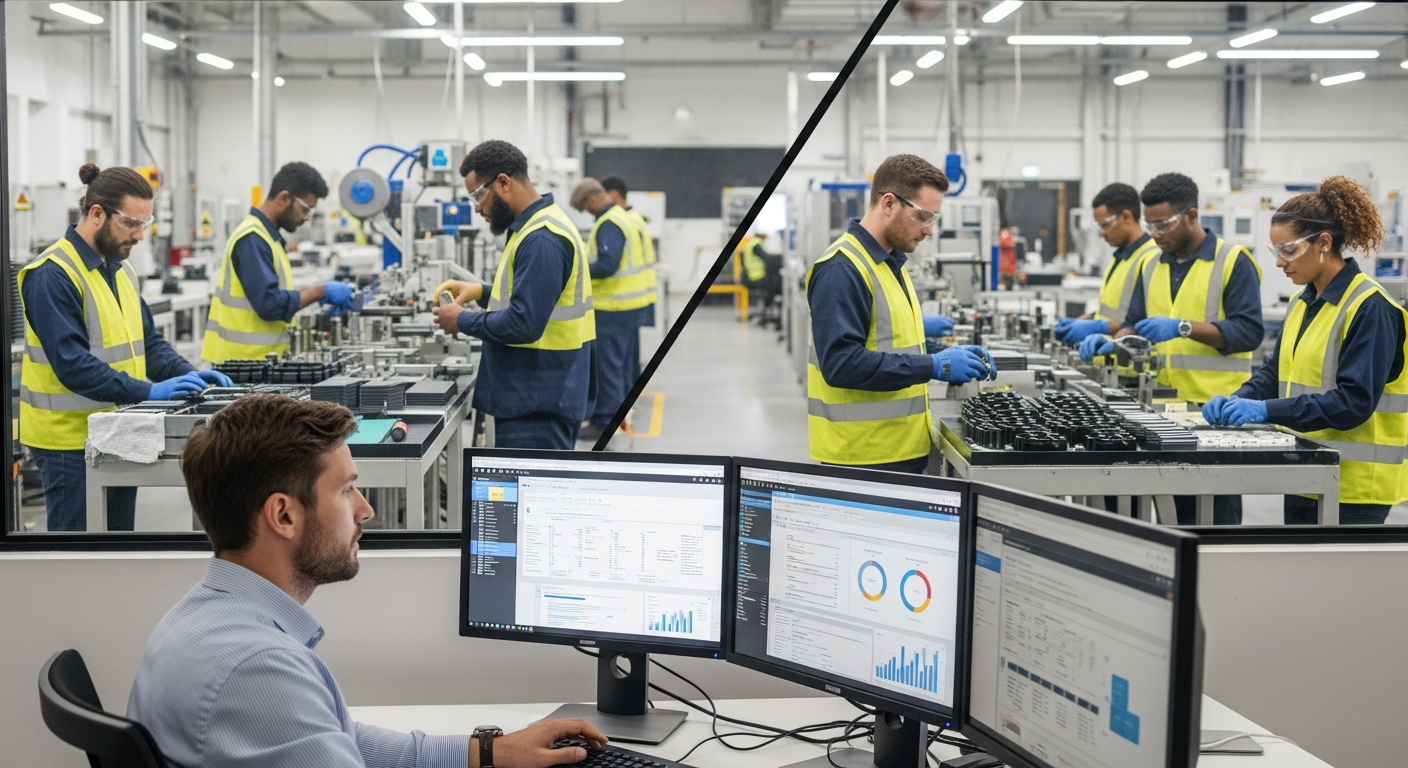
Modern manufacturing operations benefit most from strategic tool integration rather than single-platform approaches. Understanding how different guidance systems complement each other enables more effective knowledge management architectures.
WalkMe excels at managing the digital side of hybrid operations. When production planning, inventory management, and compliance reporting happen through enterprise software, WalkMe provides seamless user guidance that reduces training overhead and improves process consistency.
Physical workflow guidance requires different capabilities. Documentation systems that capture video-based procedures and deploy them through QR codes address the access and multilingual challenges that DAPs cannot solve.
The integration strategy should map specific workflows to appropriate guidance methods. Administrative tasks, software onboarding, and compliance reporting align well with WalkMe's overlay approach. Equipment operation, safety procedures, and hands-on quality control benefit from video-based, mobile-accessible guidance systems.
Analytics integration becomes important for comprehensive operational visibility. WalkMe provides detailed insights into digital workflow performance, while physical workflow guidance systems should offer completion tracking and access analytics. Combined reporting enables operations managers to identify knowledge gaps across the entire operational spectrum.
This hybrid approach acknowledges that manufacturing excellence requires both digital efficiency and physical operational excellence. Neither DAPs nor video-based guidance systems alone address the complete knowledge management challenge facing modern operations.
How does WalkMe work for manufacturing operations?
What's the difference between WalkMe and video-based instruction tools?
Can WalkMe work offline or without software installations?
Is WalkMe suitable for multilingual frontline workers?
What are WalkMe's limitations for physical workflows?
How much does WalkMe cost compared to alternatives?
Sources
- WalkMe Ltd., "Annual Report Form 20-F", SEC Filing, 2024
- UC San Diego IT Services, "WalkMe Frequently Asked Questions", 2024
- WalkMe Ltd., "Form F-1 Registration Statement", SEC Filing, 2021
- Deloitte and The Manufacturing Institute, "The manufacturing skills gap study", 2021
- European Commission, "Translating and multilingualism: statistics and facts", 2024
Where Manual.to complements WalkMe for manufacturing operations
WalkMe owns the software side. Manual.to owns the physical side: the machine, the bench, the work cell where operators actually produce value. Together they cover the full spectrum. Alone, each leaves a gap.
Here's how the two platforms compare on the dimensions that matter most for hybrid manufacturing operations:
The three Manual.to patterns that WalkMe can't replicate
1. Record once at the machine, deploy to every shift. The senior operator who actually knows the changeover captures the procedure in one take on a phone. Manual.to handles framing, noise reduction, step detection, and translation. No studio, no retake cycle, no digital team hand-off.
2. Point-of-need via QR code. A sticker on the machine is the entire interface. Operators scan, watch 60 seconds, execute. No login, no desktop, no tab switching. This is the opposite of WalkMe's overlay model and it's the only one that works when the "computer" is a CNC controller or a mixing tank.
3. Knowledge capture as retirement insurance. The 58-year-old maintenance lead leaves in six months. WalkMe can't help because the knowledge lives in their hands, not in software. Manual.to captures it in the format they already use: showing, not telling. Companies treating this as an upskilling and knowledge-capture investment report 40-50% faster onboarding for replacement hires.
See Manual.to on your own shop-floor procedure
Give us one operation (a changeover, a quality check, a safety lockout) and we'll show you the 60-second Manual.to version beside the equivalent WalkMe workflow. Most manufacturing leaders realize within 10 minutes that the two tools solve different problems. The decision isn't "either/or" but "where each one wins".
Book a manufacturing-focused demo
15 minutes with a Manual.to specialist. Bring a procedure you're struggling to digitize. Walk away with a concrete plan, no sales pitch required.